This site uses third-party website tracking technologies to provide and continually improve our services, and to display advertisements according to users' interests. I agree and may revoke or change my consent at any time with effect for the future.
When an auditor asks for proof of compliance, the worst answer is "I think it's in a spreadsheet somewhere." For IT teams and MSPs managing hundreds of SaaS applications, numerous employee devices, and evolving regulations, manual tracking isn't just inefficient. It's a liability. Compliance software transforms scattered processes into a centralized, automated system that keeps your organization audit-ready and reduces risk.
This guide walks you through what compliance software actually does, how to evaluate solutions, and how to deploy them successfully, without the fluff.
What Is Compliance Software?
Compliance software is a platform designed to help organizations meet regulatory, security, and internal policy requirements through automation, monitoring, and centralized documentation. It tracks controls, collects evidence, monitors policy adherence, and generates audit reports, all from a single system.
Instead of manually checking whether every device has endpoint protection or whether SaaS licenses align with usage, compliance software continuously monitors these requirements and flags gaps in real time. For IT teams juggling SOC 2, GDPR, ISO 27001, or industry-specific mandates, it's the difference between reactive firefighting and proactive governance.
How Compliance Management Software Works
Compliance management software integrates with your existing IT infrastructure, identity providers, SaaS platforms, endpoint management tools, and cloud environments. It pulls data from these sources, applies predefined or custom compliance rules, and continuously assesses your posture against frameworks such as SOC 2, GDPR, and HIPAA.
The platform maintains a policy library, monitors controls in real time, and automatically collects evidence for audits. When a control fails, such as a user gaining unauthorized access or a device missing a security patch, the system triggers alerts and assigns remediation tasks. This closed-loop process ensures that compliance isn't a quarterly scramble but an ongoing, transparent operation.
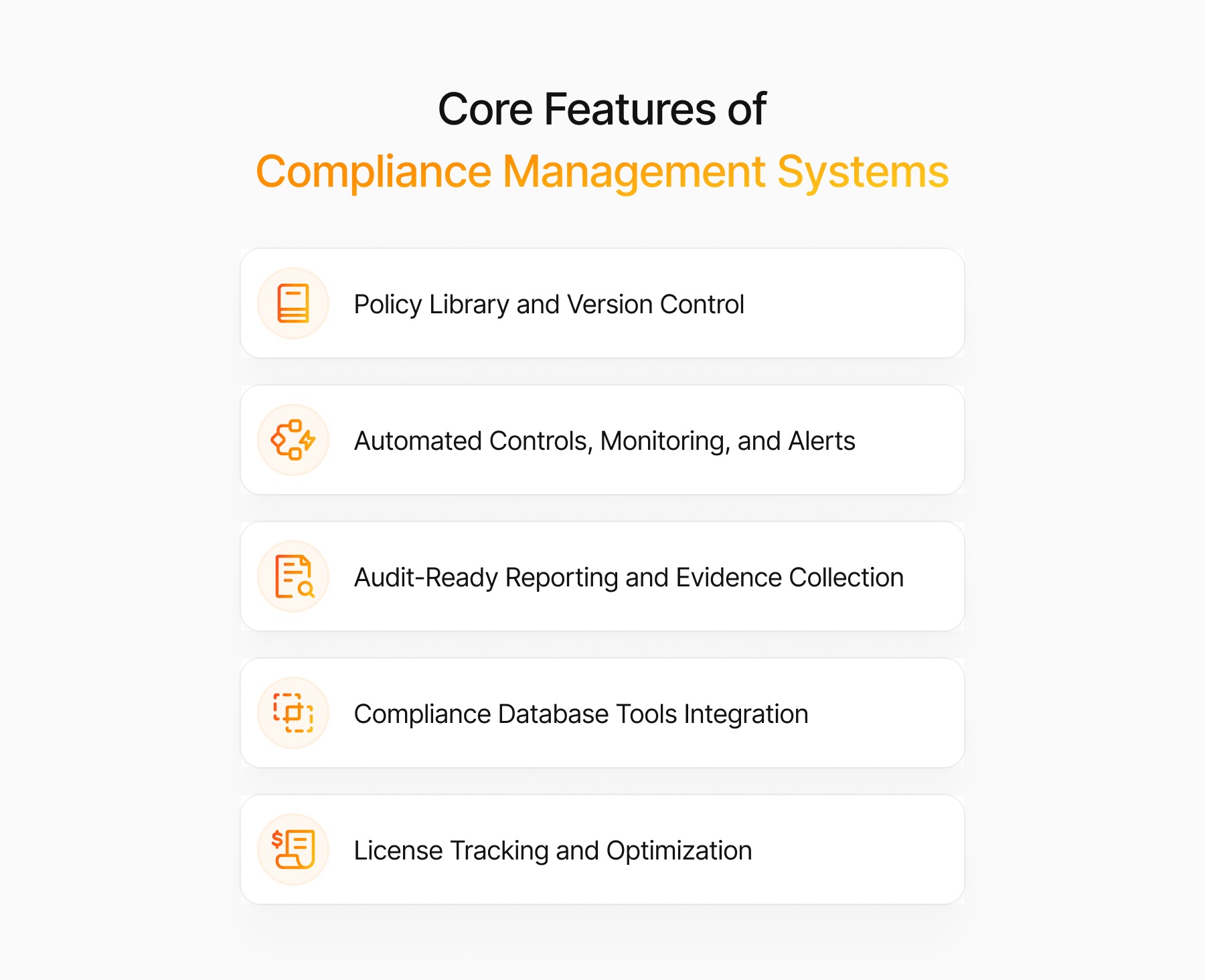
Core Features of Compliance Management Systems
Policy Library and Version Control
A centralized policy library stores all compliance policies, procedures, and documentation in one place. Version control tracks changes over time, ensuring that auditors can see exactly what policies were in effect at any given moment. This is critical for demonstrating accountability and traceability during audits.
Automated Controls, Monitoring, and Alerts
Manual control checks are error-prone and time-intensive. Compliance software automates these checks by continuously monitoring configurations, access permissions, and security settings. If a control drifts out of compliance, such as an admin account without multi-factor authentication, the system immediately alerts the responsible team and logs the event.
Audit-Ready Reporting and Evidence Collection
Auditors need evidence, not promises. Compliance platforms automatically collect screenshots, logs, configuration snapshots, and access records as evidence. Pre-built audit reports map this evidence to specific framework controls, reducing audit prep time from weeks to days.
Compliance Database Tools Integration
Modern compliance software integrates with your existing tech stack, identity providers like Okta or Azure AD, SaaS management platforms, endpoint tools, and cloud infrastructure. This integration eliminates manual data entry and ensures that compliance checks reflect the current state of your environment rather than outdated snapshots.
License Tracking and Optimization
Compliance isn't just about security; it's also about contractual obligations. License tracking features monitor SaaS usage, flag over-provisioned accounts, and identify unused licenses. This not only ensures compliance with vendor agreements but also uncovers cost savings. For example, during the very first demo, Josys surfaced $5,000 in unused licenses for ebbo™️.
Business Benefits of Compliance Management Solutions
Compliance software delivers measurable value beyond avoiding fines. First, it reduces audit preparation time by maintaining continuous, audit-ready documentation. Second, it minimizes human error by automating repetitive checks and evidence collection. Third, it improves risk visibility by providing real-time dashboards that show the organization's compliance posture.
For IT Directors, the operational benefit is clear: instead of spending days pulling together evidence for auditors, you can focus on strategic initiatives. Compliance software also supports faster sales cycles, prospects increasingly require proof of compliance before signing contracts, and having audit reports on hand accelerates deal closure.
Types of Compliance Program Software
Regulatory-Specific Platforms
These platforms focus on a single regulatory framework, such as HIPAA for healthcare or PCI DSS for payment processing. They offer deep, prescriptive guidance but may require supplementary tools for organizations subject to multiple regulations.
Security and Compliance Suites
Enterprise-grade suites combine security monitoring, compliance management, and risk assessment on a single platform. They support multiple frameworks and offer advanced features like threat detection and incident response. However, they often come with steep price tags and complex implementations.
Business Compliance Management Software for SMEs
Small and mid-sized businesses need compliance tools that are affordable, easy to deploy, and don't require a dedicated compliance team. These platforms prioritize usability and quick time-to-value, often offering pre-built templates for common frameworks like SOC 2 or ISO 27001.
Software for Compliance With Benefits Regulations
HR-focused compliance software tracks benefits administration, employee classification, and adherence to labor laws. While outside the scope of IT compliance, these tools are essential for organizations managing complex workforce regulations.
Open-Source and Low-Code Options
Open-source compliance tools offer flexibility and cost savings but require significant technical expertise to configure and maintain. Low-code platforms allow IT teams to build custom compliance workflows without extensive development resources, striking a balance between customization and ease of use.
Who Needs IT Compliance Management Software?
Any organization handling sensitive data, operating in regulated industries, or pursuing security certifications needs compliance software. This includes:
SaaS companies seeking SOC 2 or ISO 27001 certification to win enterprise customers
Healthcare providers managing HIPAA compliance across electronic health records and third-party vendors
Financial services firms navigating SOX, GDPR, and regional data protection laws
Fast-growing startups scaling from 50 to 500 employees, where manual tracking becomes unmanageable
IT teams managing remote workforces, where endpoint security and access control are distributed and complex
If your team spends more than a few hours per week on compliance tasks, or if you've ever scrambled to prepare for an audit, you're a candidate for compliance software.
Evaluating Regulatory Compliance Management Tools
Coverage of Frameworks and Jurisdictions
Not all compliance platforms support the same frameworks. Verify that your shortlisted tools cover the regulations relevant to your business, whether that's SOC 2, GDPR, ISO 27001, HIPAA, or industry-specific mandates. Also consider jurisdictional nuances; for example, GDPR compliance in the EU, where cumulative fines have reached €7.1 billion, differs from CCPA requirements in California.
Integration With Identity and Access Governance
Compliance is deeply intertwined with identity and access management. The best platforms integrate natively with identity providers and access governance tools, automatically monitoring user permissions, role assignments, and access reviews. This integration is essential for demonstrating least-privilege access and segregation of duties.
Deployment and Scalability
Evaluate whether the platform is cloud-based, on-premises, or hybrid. Cloud-based solutions offer faster deployment and lower upfront costs but may raise data residency concerns. Also assess scalability, can the platform grow with your organization as you add users, applications, and geographies?
Total Cost of Ownership
Look beyond the sticker price. Factor in implementation costs, training, ongoing maintenance, and integration expenses. Some platforms charge per user, per application, or per framework, so model costs based on your expected growth. Hidden costs, such as professional services fees for custom integrations, can significantly inflate TCO.
Steps To Deploy Compliance Software Successfully
1. Map Requirements and Stakeholders
Start by identifying which regulations apply to your organization and which internal policies you need to enforce. Involve stakeholders from IT, legal, HR, and finance to ensure the platform meets cross-functional needs. Document current compliance gaps and prioritize high-risk areas.
2. Audit Current Controls and Data Sources
Before deploying compliance software, audit your existing controls and identify where compliance data currently lives. This includes identity providers, SaaS platforms, endpoint management tools, and cloud environments. Understanding your current state helps you configure the platform correctly and avoid blind spots.
3. Pilot High-Risk Domains First
Don't attempt a full rollout on day one. Start with a pilot focused on high-risk domains, such as access management, endpoint security, or SaaS sprawl. This approach allows you to validate the platform's effectiveness, refine configurations, and build internal buy-in before expanding.
4. Automate Evidence Collection
Configure the platform to automatically collect evidence for key controls. For example, set up automated screenshots of security settings, periodic access reviews, and log exports. The goal is to eliminate manual evidence gathering and ensure that audit-ready documentation is always available. Advisory transformed this manual task from 2 to 3 weeks to a maximum of 4 hours.
5. Continuously Monitor and Improve
Compliance isn't a one-time project. Schedule regular reviews of compliance dashboards, investigate failed controls, and refine policies based on evolving regulations. Use the platform's analytics to identify trends and proactively address recurring issues.
Challenges of Software Compliance Management and How to Overcome Them
Data Quality and False Positives
Compliance software is only as good as the data it ingests. Incomplete or inaccurate data leads to false positives, which erode trust in the system. Overcome this by regularly auditing data sources, validating integrations, and tuning alert thresholds to reduce noise.
Integration With Legacy Systems
Legacy systems often lack modern APIs, making integration difficult. Consider using middleware or data connectors to bridge the gap. In some cases, manual data uploads may be necessary, but aim to automate as much as possible to maintain data freshness.
Change Management and Training
Compliance software introduces new workflows and responsibilities. Invest in training for IT, security, and compliance teams. Clearly communicate how the platform benefits each role, whether that's faster audits, reduced manual work, or improved risk visibility.
Continuous Updates and Regulatory Change
Regulations evolve, and compliance platforms must keep pace. Choose a vendor with a track record of timely updates and a clear roadmap for supporting emerging frameworks. Regularly review release notes and participate in user communities to stay informed.
Security and Compliance Software Trends To Watch
The compliance software landscape is evolving rapidly. AI-driven risk scoring is becoming mainstream, allowing platforms to prioritize remediation efforts based on predicted impact. IBM's 2025 Cost of a Data Breach Report found that organizations using AI extensively in security saved nearly $1.9 million per breach. Continuous control monitoring is replacing periodic assessments, providing a real-time compliance posture. Integration with SaaS management platforms is also growing, enabling unified visibility into both compliance and cost optimization.
Another emerging trend is privacy-first compliance, where platforms not only track data protection controls but also automate privacy impact assessments and data subject access requests. As regulations like GDPR and CCPA mature, expect compliance software to become more proactive in managing privacy obligations.
Automate Governance With Josys and Start Saving Today
Josys brings compliance, SaaS management, and cost optimization together in one platform. Our customers don't just achieve compliance, they also save an average of 30% on SaaS spend by identifying unused licenses and eliminating redundant tools. With automated evidence collection, real-time monitoring, and seamless integrations, Josys makes audit prep easier and helps you stay continuously compliant.
Ready to simplify compliance and cut costs?Book a demo with Josys today and see how we help IT teams and MSPs automate governance, reduce risk, and reclaim time for strategic work.
Frequently Asked Questions About Compliance Software
What are the three C's of compliance?
The three C's of compliance are Culture, Controls, and Consequences. Culture refers to an organization's commitment to ethical behavior and adherence to regulations. Controls are the policies, procedures, and systems that enforce compliance. Consequences involve accountability and remediation when compliance failures occur.
How does compliance software differ from a CRM?
Compliance software manages regulatory adherence, security controls, and audit readiness, while a CRM (Customer Relationship Management) system manages customer interactions, sales pipelines, and marketing campaigns. They serve entirely different functions, though some CRMs may include basic compliance features for data protection regulations like GDPR.
What is a common compliance tool used by most organizations?
Many organizations use a combination of identity and access management (IAM) platforms, security information and event management (SIEM) tools, and dedicated compliance platforms. For SaaS-heavy environments, tools like Josys provide unified visibility into compliance, access governance, and license management.
How much does compliance software typically cost?
Pricing varies widely based on features, scale, and vendor. Entry-level platforms for SMEs may start at $500–$1,000 per month, while enterprise suites can exceed $10,000 per month. Costs typically scale with the number of users, applications, or frameworks covered. Always evaluate the total cost of ownership, including implementation and training.
Can compliance software detect shadow IT applications?
Yes, many compliance platforms, especially those with SaaS management capabilities, can detect shadow IT by monitoring browser extensions and SSO logs. This visibility is critical given that 61.3% of enterprise applications qualify as shadow IT, helping IT teams identify unauthorized applications that may introduce compliance risks or redundant costs.