This site uses third-party website tracking technologies to provide and continually improve our services, and to display advertisements according to users' interests. I agree and may revoke or change my consent at any time with effect for the future.
If you're managing a growing SaaS stack, you've probably felt it: a misconfigured app sitting quietly in your environment for months, accessible to the wrong people, visible to the open internet, or silently failing your compliance requirements.
You're not alone. SaaS misconfigurations have become one of the most common and most preventable security vulnerabilities facing organizations today.
Unlike traditional on-premises software, SaaS applications come with complex permission structures, integration options, and security controls that shift with every product update. A single overlooked setting can trigger a data breach, a compliance violation, or an operational disruption. As your organization adopts more cloud applications, the attack surface expands – and so does the risk of something slipping through.
This article breaks down what SaaS misconfigurations are, why they keep happening, and how to identify and prevent them before they become costly incidents. We'll cover real-world breaches, detection methods, and best practices to help you secure your SaaS environment without overwhelming your team.
What Are SaaS Misconfigurations?
SaaS misconfigurations occur when cloud applications are set up incorrectly, exposing data or creating compliance risks. These aren't software bugs or zero-day exploits – with 82% caused by human error, they're configuration mistakes. Understanding the full scope of SaaS security risks is essential for any IT team.
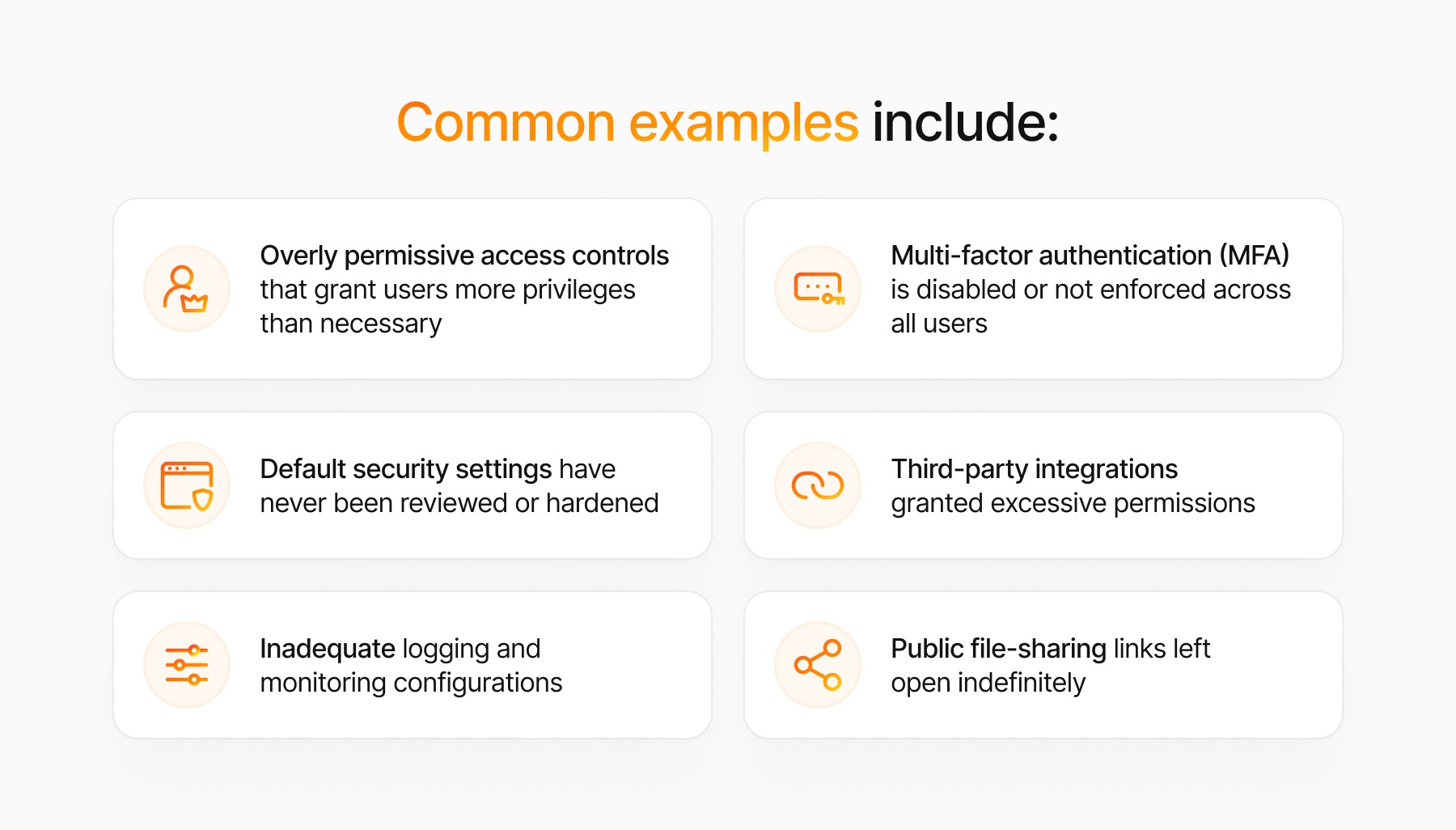
Common examples include:
Overly permissive access controls that grant users more privileges than necessary
Public file-sharing links left open indefinitely
Multi-factor authentication (MFA) is disabled or not enforced across all users
Default security settings have never been reviewed or hardened
What makes misconfigurations so dangerous is how invisible they stay. Unlike malware, a misconfiguration leaves no attack signature. It just waits – until someone finds it during an audit, or an attacker finds it first. SaaS platforms also update frequently, so a setting that was secure six months ago may no longer be secure today.
Why SaaS Misconfigurations Are a Growing Security Concern
The shift to cloud-based work fundamentally changed who owns security configuration. Your organization is responsible for configuring how it uses SaaS applications – the vendor delivers the platform, but the settings are yours to get right.
That shared responsibility model creates gaps that attackers actively exploit. According to SentinelOne, cloud-conscious intrusions grew 37% year-over-year in 2025. Misconfigurations are a primary reason why.
Threats to Data Privacy and Compliance
Broad access controls let employees view data they shouldn't touch. Improperly configured data loss prevention (DLP) settings allow external file sharing without oversight. For organizations subject to GDPR, HIPAA, or SOC 2, these gaps aren't just security issues – they're compliance violations that carry real fines and lasting reputational damage. Misconfigured Salesforce or Google Workspace instances can turn a routine audit into a regulatory nightmare.
Commonly Exploited Weaknesses by Hackers
Attackers scan for misconfigured SaaS applications and treat them as low-effort targets. Exploiting a misconfiguration doesn't require advanced skills – it requires reconnaissance and patience.
Hackers commonly target:
Weak authentication settings: Accounts without MFA are prime targets for credential stuffing and phishing attacks
Excessive API permissions: Third-party integrations with overly broad access can become persistent backdoors
Public storage buckets: Cloud storage misconfigured for public access exposes entire databases with no credentials required
Shadow IT applications: Unmanaged SaaS tools that bypass security policies entirely – learn more about the hidden risks of shadow IT
Attackers don't need to break in when the door is already open. They just need to find it.
Top 4 SaaS Misconfigurations to Avoid
Here are four critical SaaS misconfigurations to address:
Inadequate Access Controls and Excessive Permissions: Apply least privilege principles. Regular access reviews and role-based access control (RBAC) are essential.
Missing or Unenforced Multi-Factor Authentication: Require MFA across all applications without exception.
Unsecured File Sharing and Public Links: Disable public links and external sharing by default.
Unmonitored Third-Party Integrations: Require IT approval before connecting third-party services.
Real-World Examples of SaaS Misconfiguration Incidents
Named Incidents That Made Headlines
These aren't hypotheticals. Three publicly documented breaches show exactly how much damage a misconfigured setting can cause.
Capital One (2019): A misconfigured web application firewall (WAF) in Capital One's AWS environment allowed a former AWS employee to execute a server-side request forgery (SSRF) attack, ultimately gaining access to S3 buckets containing sensitive customer data. More than 100 million records were exposed across the US and Canada, including Social Security numbers and bank account information. Capital One reached an $80 million settlement with federal regulators. The firewall misconfiguration had been in place for months before discovery.
Twitch (2021): An anonymous actor posted 125GB of Twitch's internal data to 4chan, including source code, internal security tools, and creator payout data going back years. Twitch attributed the breach to a server misconfiguration that exposed internal systems. The incident exposed not just intellectual property but the personal earnings of thousands of content creators – data the platform had no intention of making public.
Pegasus Airlines (2022): Security researchers at Safety Detectives discovered an unsecured AWS S3 bucket belonging to Pegasus Airlines that exposed approximately 6.5 terabytes of data, including flight charts, navigation materials, and crew members' personal information. Over 23 million files were publicly accessible with no authentication required. The bucket had been left open due to a misconfiguration in the airline's Electronic Flight Bag software infrastructure.
Lessons Learned from High-Profile Cases
These incidents share a pattern that should concern every IT team.
Default settings prioritized usability, not security. None of these organizations deliberately exposed their data. Detection took weeks or months in each case, which is what transformed an embarrassing configuration mistake into a full-scale breach. Manual reviews couldn't catch what continuous monitoring would have flagged immediately. And in every case, the root cause was ownership confusion: no one was clearly accountable for auditing that specific setting.
Misconfigurations are preventable. The tools and processes exist. What these organizations lacked was visibility – and someone whose job it was to act on it.
How to Identify SaaS Misconfigurations in Your Organization
Signs and Indicators to Watch For
Detect misconfigurations through active monitoring, not through periodic spot checks. Watch for:
Unusual access patterns or login attempts from unexpected locations
Employees with admin privileges who don't require them
Large numbers of external file shares or public links
Applications with MFA disabled or partially implemented
Third-party integrations you don't recognize or can't account for
Compliance scan failures or audit findings related to access controls
Don't limit your review to critical apps. Review configurations across your entire SaaS stack – visibility across all applications matters for security, not just the ones on your radar.
Tools and Services for Continuous Monitoring and Remediation
Manual reviews aren't sufficient. Use automated tools to continuously monitor and alert on misconfigurations.
SaaS Security Posture Management (SSPM) platforms are designed to address this challenge. They assess configurations against security baselines and provide remediation guidance at scale. Josys provides a unified view of your SaaS, giving IT teams continuous configuration monitoring, app inventory, access to data, and the workflow automation they already need day-to-day.
Key capabilities to look for include:
Automated configuration scanning across multiple SaaS platforms
Baseline security policies mapped to industry standards (CIS benchmarks, NIST, etc.)
Real-time alerts when configurations drift from secure baselines
Integration with your existing security workflows and ticketing systems
User-friendly dashboards that help you prioritize remediation efforts
Best Practices for Preventing SaaS Misconfigurations
Creating a Proactive SaaS Security Checklist
Set security standards before deploying applications, not after a problem surfaces. Include:
Pre-deployment security review: Evaluate security features and configuration options before purchasing
Secure baseline configuration: Document required security settings for each application
Access control framework: Define roles, permissions, and approval workflows
MFA enforcement policy: Require MFA for all users without exceptions
Data classification guidelines: Determine what data can be stored in each application
Integration approval process: Require IT review before connecting third-party services
Regular configuration audits: Schedule quarterly reviews of all critical applications
Steps Every Organization Should Take to Secure Their SaaS Apps
Implement these steps to build a defensible SaaS security posture:
Conduct a comprehensive SaaS inventory: Identify all applications in use – including shadow IT tools employees have connected without IT approval. Platforms like Josys surface shadow IT automatically, so your inventory reflects reality, not just what was officially sanctioned.
Implement centralized identity management: Use SSO for consistent authentication and a single control point for access governance.
Enable logging and monitoring: Review audit logs regularly – and set up automated alerts so you're not relying on someone remembering to check.
Establish configuration ownership: Assign clear responsibility for each application. Every app should have a named owner accountable for its security posture.
Create an offboarding checklist: Revoke access and review data access using a structured SaaS offboarding process. Josys can trigger automated offboarding workflows when an employee departs, removing the risk of orphaned accounts accumulating over time.
Managing SaaS Misconfigurations Day-to-Day
Role of IT and Security Teams in Ongoing Management
SaaS security doesn't belong to IT alone, or to security alone. It requires both teams to operate from shared definitions of ownership. IT manages provisioning; security enforces policy. Without clear alignment, critical gaps fall between them.
Build a RACI matrix for SaaS security activities – for example, IT implements MFA enforcement, and security verifies it's actually working. Hold regular cross-team reviews to assess new features, policy changes, and any changes that have occurred since the last meeting. Both teams should evaluate how new SaaS capabilities affect the security baseline before users start relying on them.
Leveraging Security Automation and SaaS Security Posture Management (SSPM)
Manual management doesn't scale. As your SaaS stack grows, the number of configurations to track grows faster than any team can keep up with through periodic reviews alone.
SSPM platforms address this by monitoring configurations continuously and auto-remediating certain issues without waiting for a human to catch them. For a deeper look at what attackers actively exploit, see the top SaaS vulnerabilities organizations face today.
The most efficient approach is a unified platform that combines SSPM with SaaS management – so access governance, configuration monitoring, workflow automation, and shadow IT detection all operate from the same data source. Josys is built on that model: rather than toggling between a dedicated SSPM tool and a separate SaaS management platform, IT and security teams work from a single view of every app, every user, and every configuration in scope. When something drifts out of baseline, automated triggers can route alerts or kick off remediation workflows before the issue compounds.
That's how organizations move from reactive firefighting to a posture they can actually defend.
Frequently Asked Questions (FAQ)
How does SSPM differ from traditional CASB for catching misconfigurations?
CASB (Cloud Access Security Broker) tools were built primarily to monitor traffic, enforce data policies, and block threats at the network level. They're useful, but they inspect activity – not configuration state. SSPM platforms are purpose-built to continuously assess how SaaS apps are configured against security baselines (CIS benchmarks, NIST controls, internal policies) and flag drift in real time. Where a CASB tells you what happened, an SSPM tells you what's wrong with your settings before something happens. For catching misconfigurations at scale across a multi-app SaaS environment, SSPM is more direct.
What's the fastest way to audit existing SaaS app configurations without a dedicated security team?
Start with your highest-risk applications: identity and access tools (your IdP, SSO provider), collaboration platforms (Google Workspace, Microsoft 365), and any app storing regulated data. For each, check three things: whether MFA is enforced for all users, whether any storage or sharing settings are publicly accessible, and whether third-party integrations have been granted admin-level permissions. Document what you find. If you don't have the headcount to run this manually across your full SaaS stack, a unified platform like Josys SaaS Security can run automated configuration scans and surface findings in a prioritized remediation queue – without requiring a dedicated security analyst to run it.
How does the shared responsibility model change what IT teams are actually accountable for?
Under the shared responsibility model, the SaaS vendor secures the infrastructure, the platform, and the application code. Your organization is responsible for everything above that line: who has access, what they can do, how the app is configured, and whether those settings remain compliant as the product updates. In practice, that means IT teams are accountable for security decisions that used to be handled by on-prem system administrators – but now spread across dozens of SaaS tools, each with its own permission models and update cadence. The vendor won't alert you when a product update resets a security setting. That's your watch.